Workflows · How it works
Every workflow ends in an outcome you can check
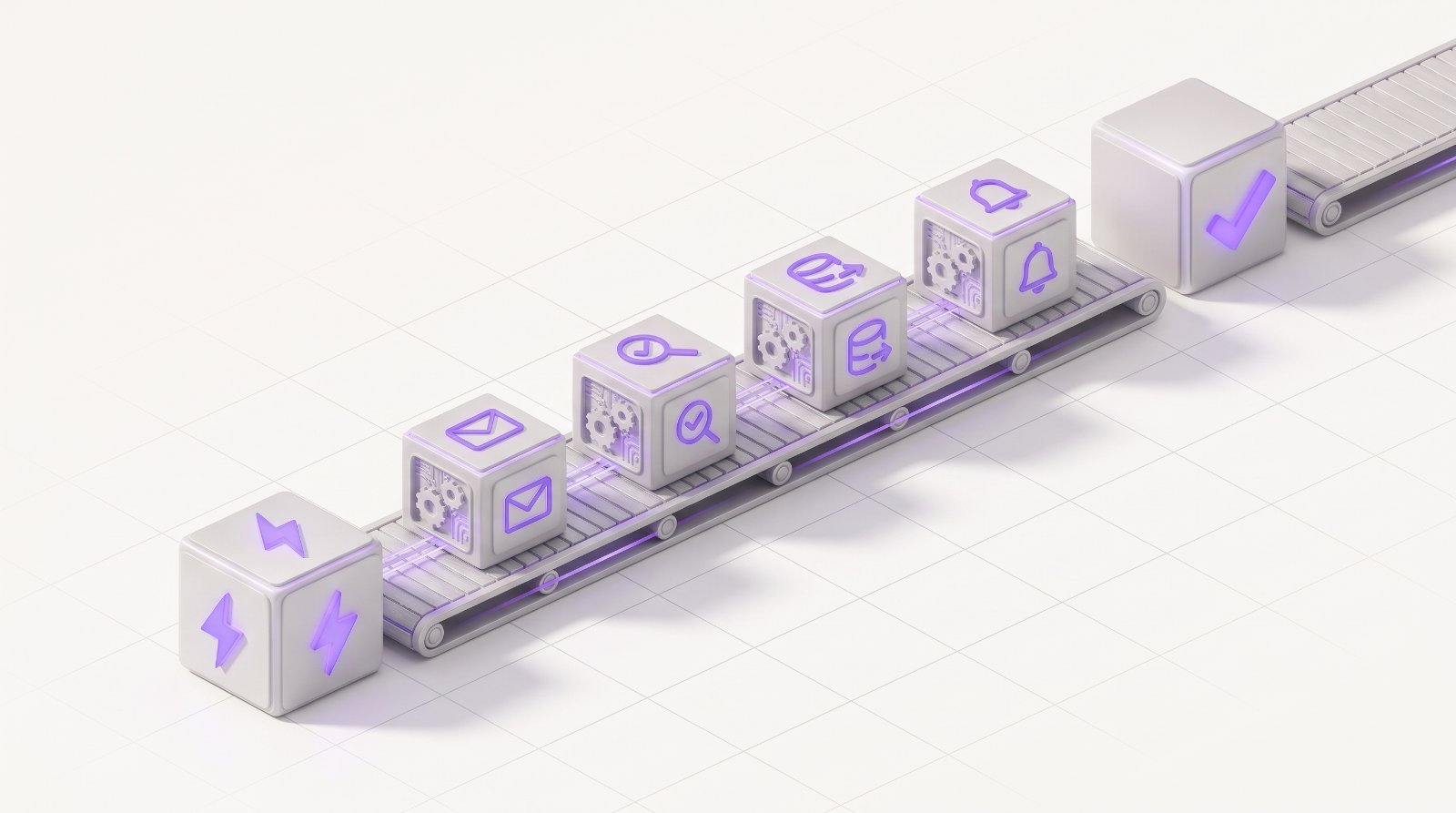
Triggers start the run, steps move across channels and systems, checks confirm the result, and people handle only the exceptions.

-
Trigger
Something happens
An event, a schedule, a new row, an inbound call or a message starts the run.
e.g. invoice passes due date
-
Steps
Work moves across surfaces
Each step runs on the best channel or system, with fallbacks if one fails.
e.g. SMS → WhatsApp → Voice
-
Checks
The result is verified
Convophi confirms the outcome in the system of record before closing the run.
e.g. payment found in ERP
-
Outcome
Done, or handed off
Completed runs are logged and billed. Exceptions go to a person with context.
e.g. ledger reconciled
One outcome, five surfaces, zero swivel-chair work
-
Convophi pulls every account 7+ days overdue and ranks them by balance and history.
-
Each customer gets a short SMS with a secure, pre-filled payment link.
-
Non-payers get a WhatsApp follow-up offering a split plan with one-tap buttons.
-
Sumi, our AI voice agent, calls anyone still unpaid, takes a promise-to-pay or payment, and flags disputes.
-
Payments are matched and posted to the ERP. Disputes go to the collections team with the full history.
-
Run closes as “payment collected” only after the ERP confirms it. That’s what gets billed.
- 01
Define the outcome
Say what done looks like, like “payment collected and posted to the ERP”.
- 02
Map the steps
Convophi drafts the workflow across channels and systems. You adjust it.
- 03
Run everywhere
Each step runs on the right surface, with retries and fallbacks built in.
- 04
Verify & review
Every result is checked. Exceptions go to a person with full context.
- 05
Improve
Reviewer decisions update the workflow, so completion rates climb.
Pick one repetitive workflow. We’ll turn it into an outcome.
Most teams go live with their first outcome in days, not months.